Your Roku Remote. Always on Your Wrist.
Turn your smartwatch into a Roku remote. Control any Roku TV, stick, or streaming box over Wi-Fi — navigate, adjust volume, launch apps, switch inputs. No phone required.
Free • No ads • No phone needed
WORKS WITH EVERY ROKU DEVICE
NAVIGATION
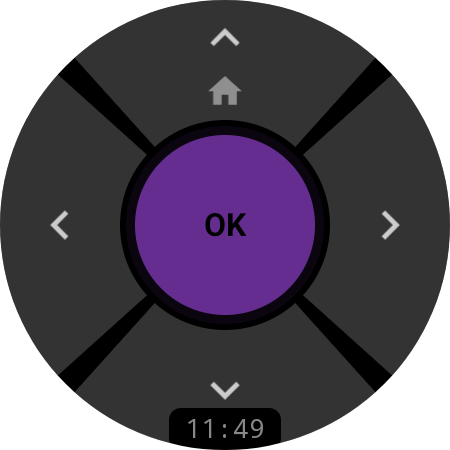
Intuitive D-Pad Control
Drive the Roku interface with a 5-button D-pad built for the round watch screen. Tap the purple OK to select, swipe through menus, and long-press UP to jump Home. Precise, lag-free, and ready the moment you raise your wrist.
Free — available without Pro
MEDIA
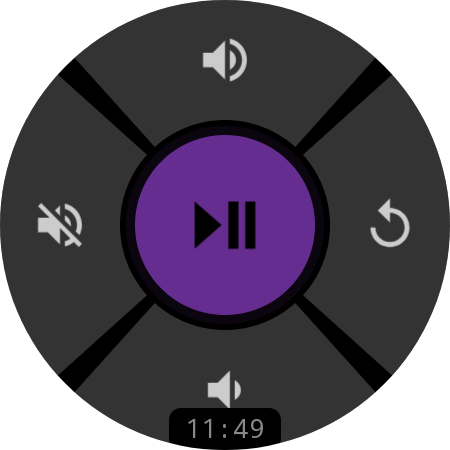
Full Media Control
A dedicated media screen puts Play/Pause front and center, with Volume Up/Down, Mute, and Instant Replay one tap away. Swipe between Navigation and Media with a single gesture, or rotate the bezel to ride the volume.
Pro feature
CUSTOMIZATION
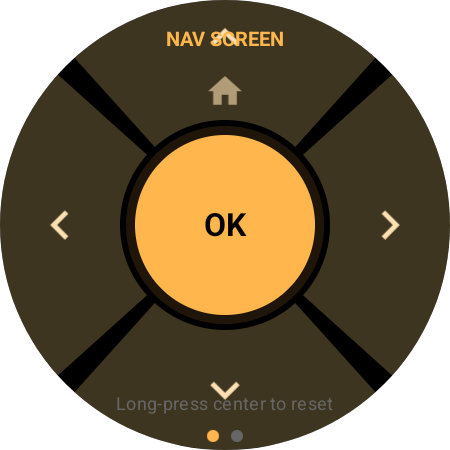
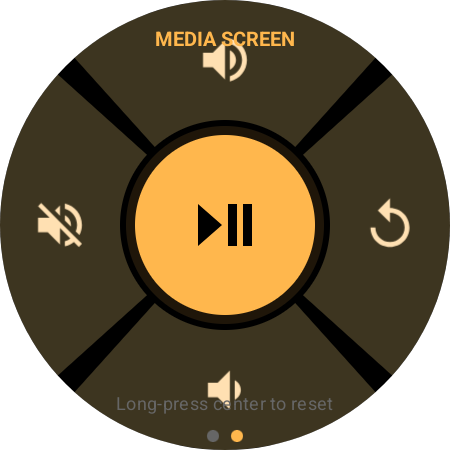
Remap Every Button
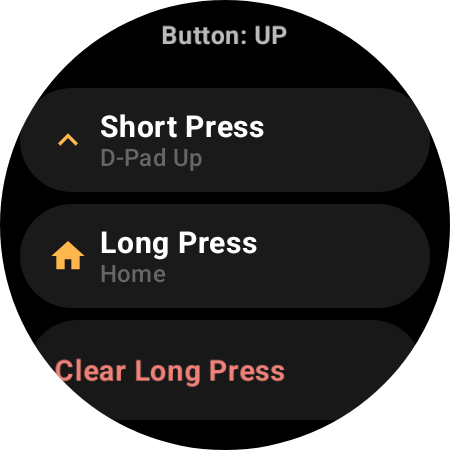
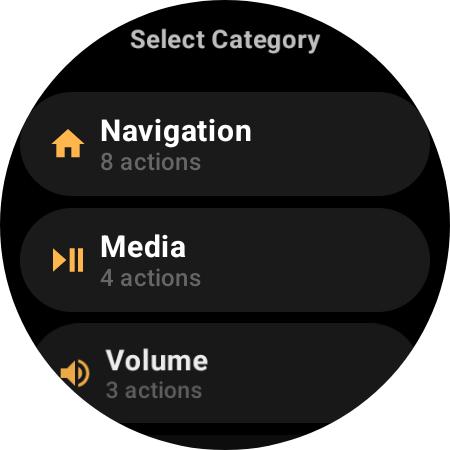
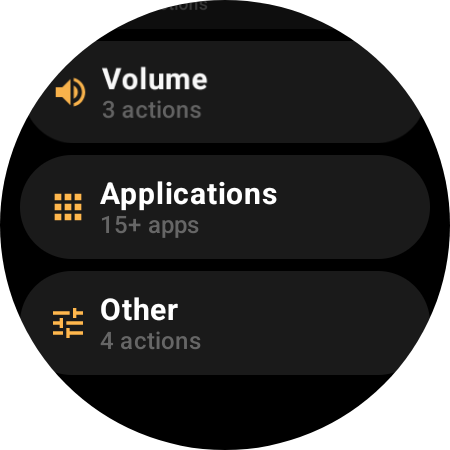
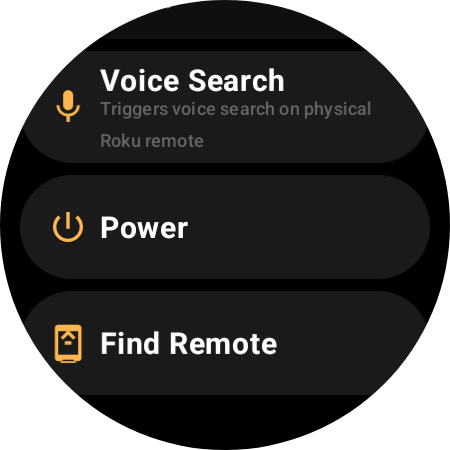
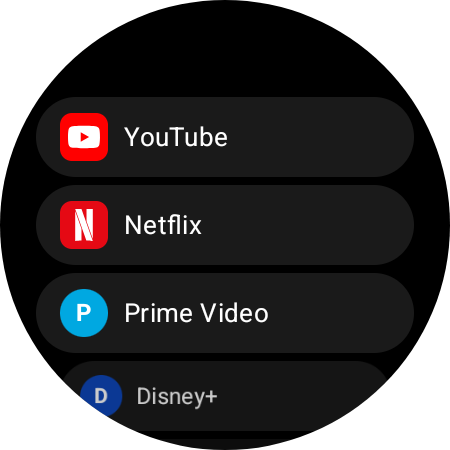
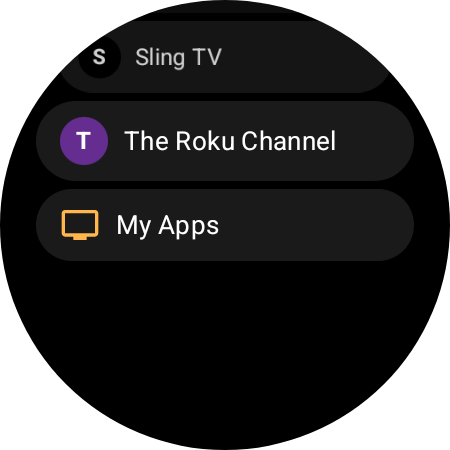
Assign any of 27 actions — plus a one-tap launch for any installed Roku channel — to any button, with independent short-press and long-press for each. The action list adapts to your device: Navigation, Media, Volume, Voice Search, and Applications work on every Roku, while capability-gated actions like HDMI input switching, channel surfing, Power, and Find Remote appear only when your Roku supports them.
Pro feature
MULTI-DEVICE
Every Roku in the House. One Watch.
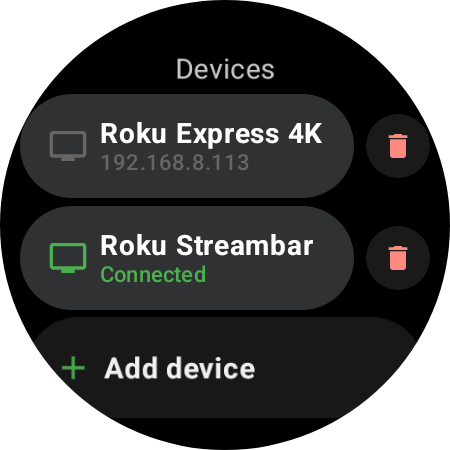
Pair every Roku in your home, keep them in one list on your wrist, and jump between rooms with a tap — or a single button. Each device is remembered, so switching is always instant — no PIN, nothing to set up twice.
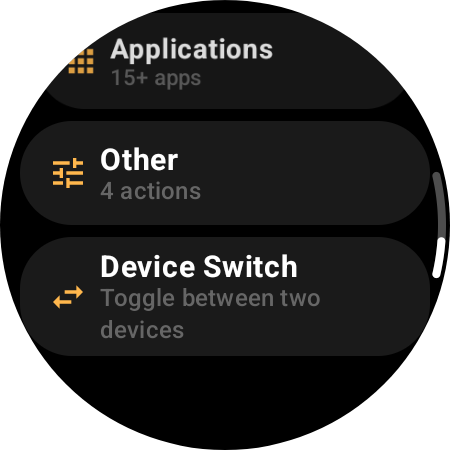
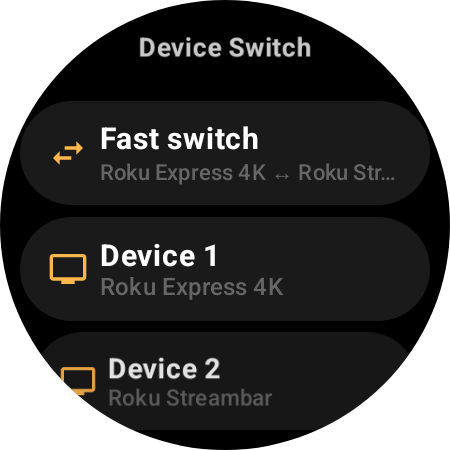
Pair Every Roku You Own
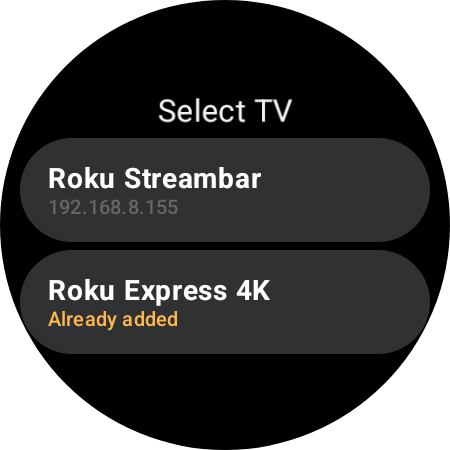
Add as many Rokus as you like — TVs, sticks, Streambars. They all live in one Devices list on your wrist, a single tap apart.
Switch Instantly, No Setup to Redo
Tap any saved Roku to connect right away. The app remembers each one and auto-reconnects to your last device on launch — even if its IP changes.
One-Button Fast Switch
Map any button to Fast Switch and bounce between your two main Rokus in a single press, without ever leaving the remote.
Pro feature
ALWAYS READY
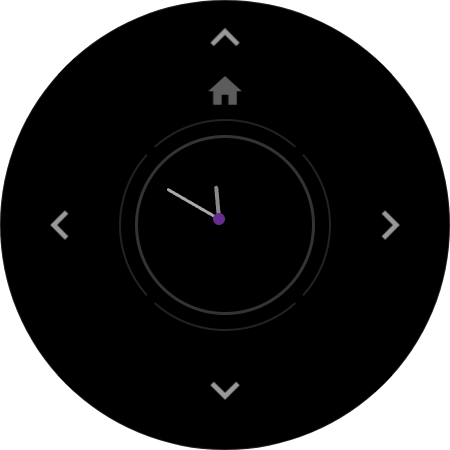
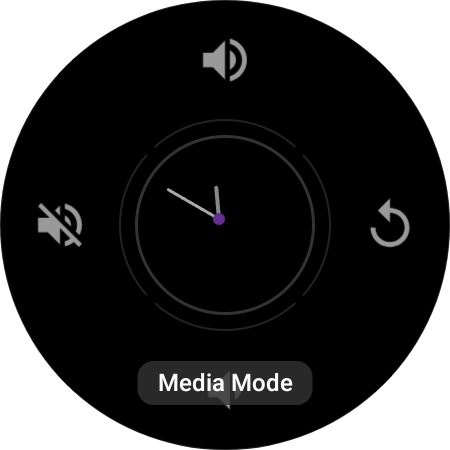
Always-On Display
Your remote stays glanceable even when the watch dims. Ambient mode shows an analog clock with a live connection dot — purple when paired — and quietly shifts position every minute to protect the screen from burn-in.
Pro feature
CONTROL CENTER
Status & Quick Settings
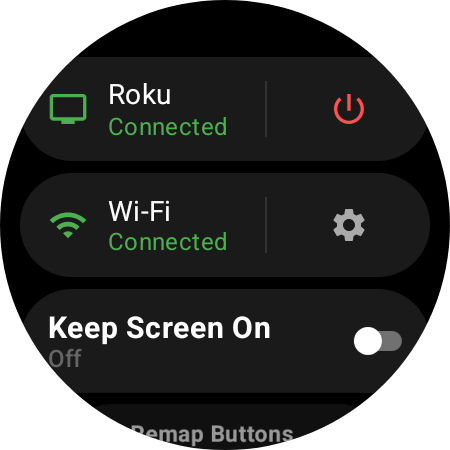
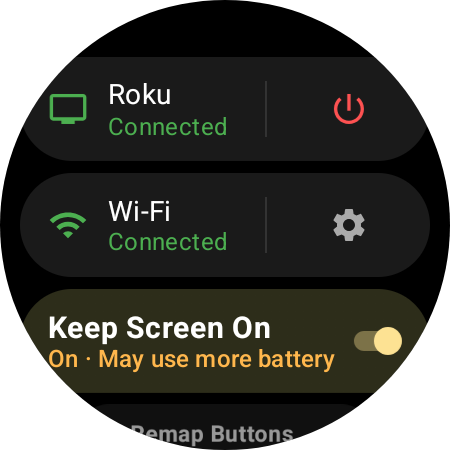
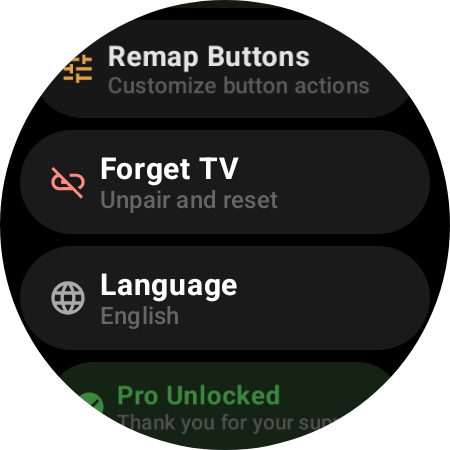
Swipe to the device panel for everything at a glance: live Roku and Wi-Fi connection status, a one-tap Power Off toggle, Keep Screen On, language, button remapping, and your Pro status — no digging through menus.
Free + Pro
HOW IT WORKS
Control Your Roku in 60 Seconds
Install on Your Watch
Get Roku Remote from the Google Play Store directly on your Wear OS smartwatch. No phone companion app needed.
Enable Mobile Control
On your Roku, open Settings → System → Advanced system settings and turn on “Control by mobile apps.” One time only.
Scan & Control
Open the app — it finds your Roku on the same Wi-Fi automatically. Tap to connect and start controlling from your wrist. No PIN, no pairing codes.
EVERYTHING YOU NEED
27 Actions. 7 Categories.
D-Pad Navigation
Up, Down, Left, Right, OK, Back & Home with customizable long-press
One-Tap App Launch
Jump straight into Netflix, YouTube, Disney+ & 15+ installed channels
Media Playback
Play, Pause, Fast Forward, Rewind & Instant Replay
Volume & Mute
Adjust volume or mute via buttons or by rotating the watch bezel
Power Control
Turn your Roku TV on and off without reaching for the remote
HDMI & Inputs
Switch HDMI inputs, tuner and AV — channel surfing on Roku TVs
Voice Search
Fire the mic on your physical Roku remote for hands-free search
Find Remote
Make a misplaced Roku remote chime on supported devices
Button Remapping
27 actions across 7 categories — assign any to any button
COMPATIBILITY
Works With Every Roku
Compatible Watches
…and many others! Any watch running Wear OS 3.0 or later (API 30+)
Compatible Roku Devices
Works with any Roku player, Roku TV, or Roku-powered soundbar over Wi-Fi — just enable “Control by mobile apps” on the device. Volume and power work even on streaming sticks via HDMI-CEC; HDMI input switching and live-TV channels require a Roku TV.
FREQUENTLY ASKED QUESTIONS
Everything You Need to Know
Ready to Lose the Remote?
Roku Remote is now on Google Play — control your Roku straight from your wrist.
Free • Wear OS 3.0+ • No phone companion needed